Every launch I've helped with has the same moment, about a week in. Someone asks a simple question ("Which channel brought our first hundred customers?") and the honest answer is "we can't tell." Not because the data is hard to read, but because nobody checked it was being collected properly before the doors opened.
You can't go back and track last week. So the checklist below is short, boring and done before launch, while fixing things is still cheap.
Key takeaways
- Write down the three questions you'll need answered in the first month, before touching any tool.
- Test a real purchase end to end and find it in your analytics, with the right revenue and source.
- Agree on UTM conventions now; untagged launch traffic can't be sorted out later.
- Know who owns tracking after launch, or it quietly breaks with the first theme update.
Start with the questions, not the tools
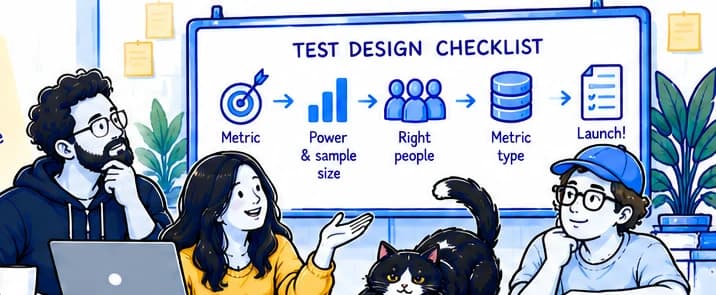
Before installing anything, write down the questions the business will ask in the first thirty days. They're usually some version of: where are customers coming from, which products are they buying, and where are people dropping out before they buy.
Those questions decide what you need to track. A store that sells one hero product and a store with two thousand SKUs need very different setups, and the questions make that obvious in a way that a generic "install everything" approach never does.
Keep the list short. If a question doesn't lead to a decision someone could make differently, it can wait until after launch.
The checklist
1
Confirm the basics fire on every page
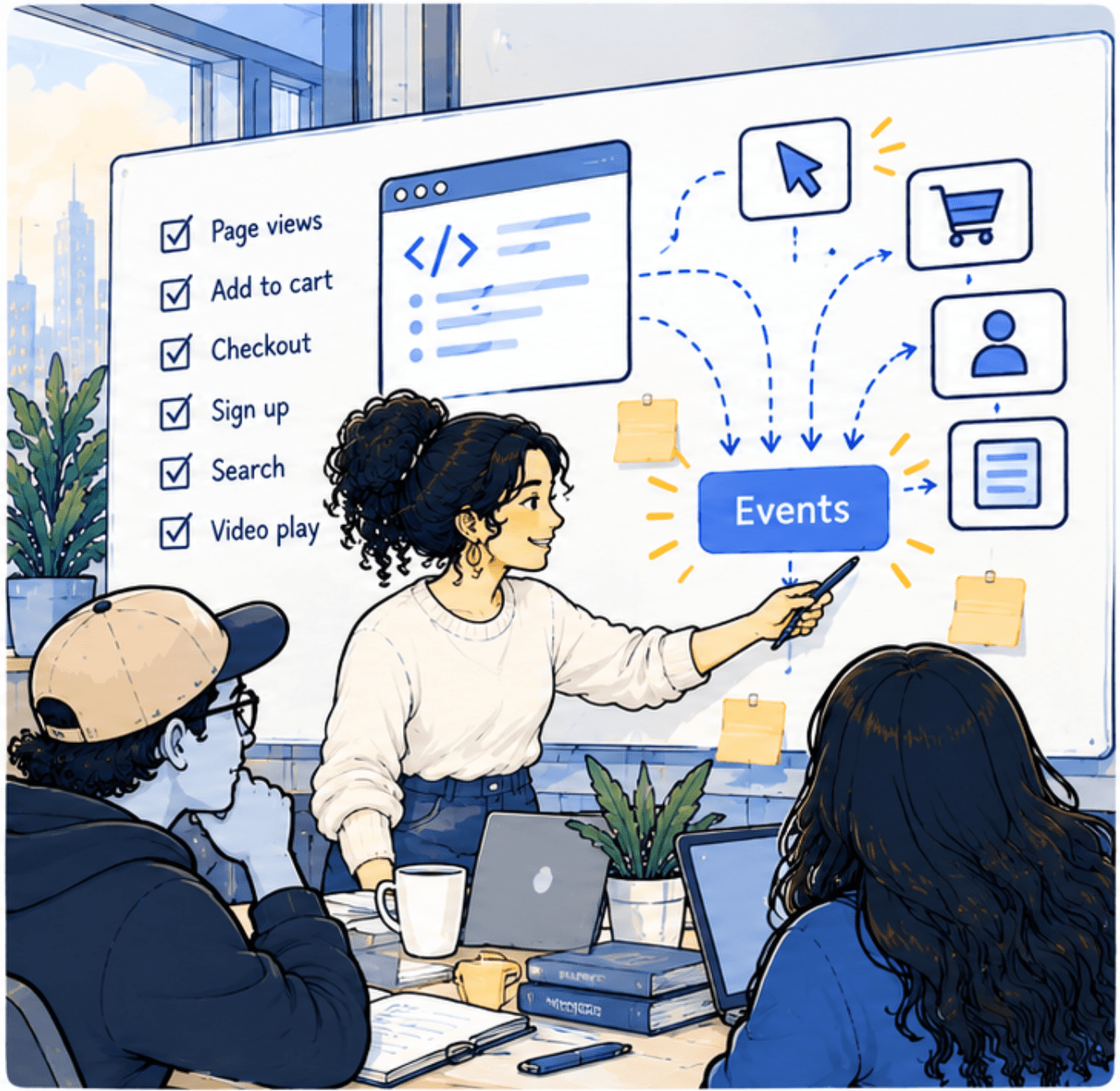
Page views should arrive from the home page, collection pages, product pages, cart and checkout. Checkout is the one most often missed, because it frequently runs on a different template, or a different domain, from the rest of the store.
2
Place a real test order
Buy something cheap with a real card, then find that exact order in your analytics. Check the revenue matches, tax and shipping are handled the way you expect, and the order appears once, not twice. Duplicated purchases are the single most common launch bug I see.
3
Check the source of that order
Click through to the store from a tagged link (an email or a social post), then buy. Does the order show that source? If it shows up as direct or unassigned, your attribution will be wrong from day one.
4
Agree on campaign tags
Write down how the team will tag links for email, paid social, influencers and partners, and share it before anyone schedules a launch post. Launch traffic is the traffic you'll most want to understand later.
5
Respect consent and privacy settings
If you use a consent banner, test what happens when someone declines. The store should still work, and your reports should still make sense with the smaller sample you'll get.
6
Name an owner
Someone needs to own tracking after launch: the person who notices when a theme update or a new app quietly breaks it. Put a recurring check in their calendar for the first month.
Keep a launch log
Note every change you make in the week around launch: new apps, theme edits, price changes, campaigns starting. When a number moves unexpectedly in week three, this log is usually where the explanation is.
What can wait
A lot of tracking can be added later without losing anything important: scroll depth, video plays, detailed site search reporting, heatmaps. They're useful, but they answer second-month questions. The items in the checklist are different: if they're wrong on launch day, that period's data is gone for good.
If you're a few weeks from launch and not sure where you stand, I'm happy to run through this list with you. It usually takes an hour, and it's the cheapest hour of analytics you'll ever buy.