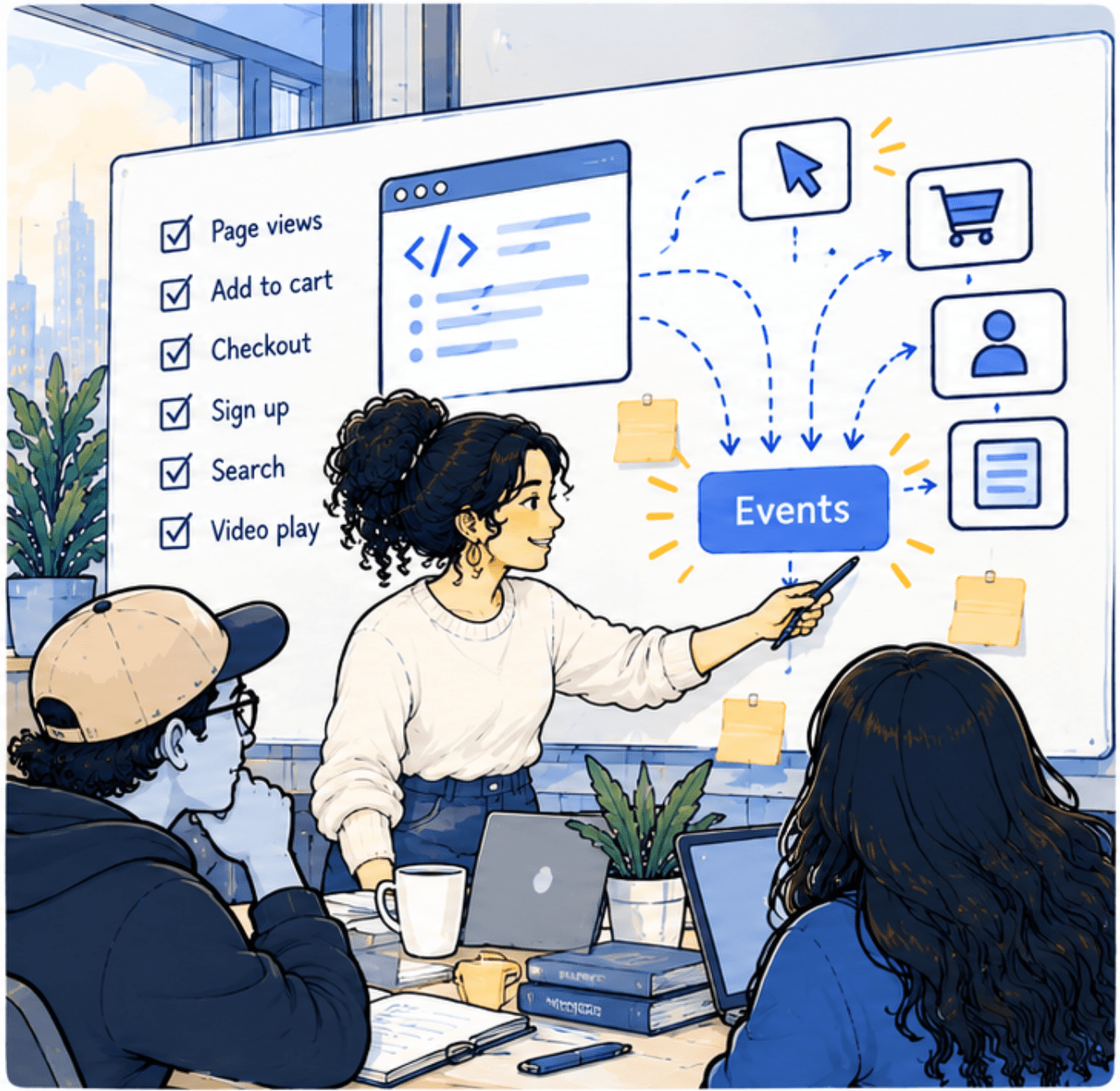
When a store first sets up analytics, the temptation is to track everything: every click, every scroll, every hover. It feels thorough. Six months later there are two hundred event names, half of them duplicates, and nobody can say which ones are reliable.
A tracking plan is the antidote. It's a short document that lists every event you collect, what it means, and why you need it. If an event isn't on the plan, it doesn't get built.
What goes in the plan
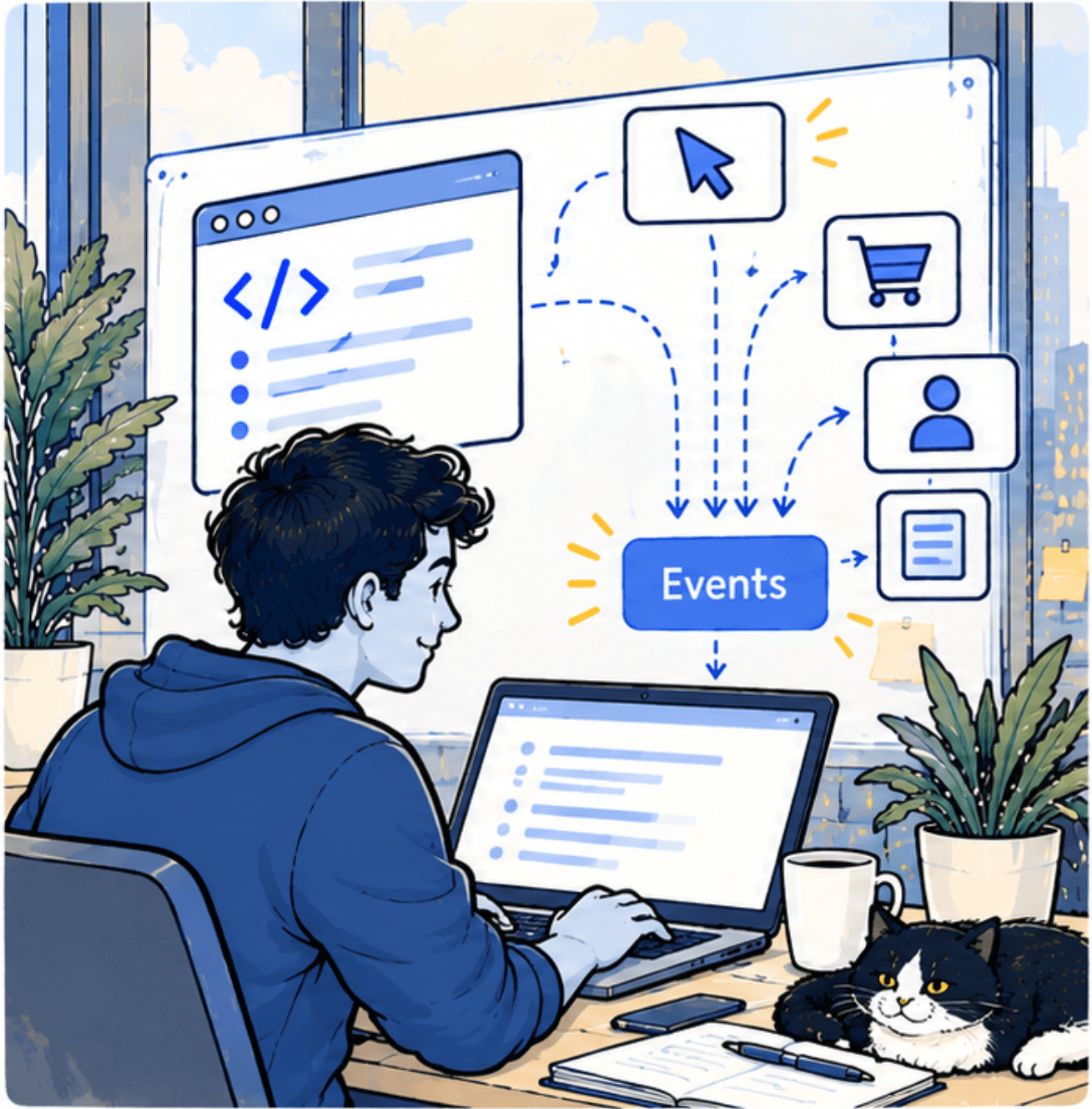
For each event, the plan answers four questions:
- Name: exactly as it appears in your tools, spelled the same way everywhere.
- When it fires: the precise moment, described so a developer and a marketer would agree on it.
- Details it carries: the extra information sent with it, such as product, price or step number.
- Why it exists: the question or decision it supports. This is the column that keeps the plan honest.
Start with the purchase journey
For an online store, the core of almost every plan is the path from browsing to buying. If you use Google Analytics 4, its recommended ecommerce events cover this path, and using its names saves you work, because its reports already understand them:
view_item_list   a list of products is shown (a collection, search results)
view_item        a product page is viewed
add_to_cart      a product is added to the cart
view_cart        the cart is opened
begin_checkout   checkout starts
add_shipping_info
add_payment_info
purchase         the order is placed
Each of these carries the products involved, with their price and quantity. That's what lets you see where people drop out between looking and buying.
Then add only what answers a question
Beyond the purchase journey, add events one at a time, each tied to a real question. "Do people who use the size guide return fewer items?" justifies tracking size-guide opens. "Let's track the size guide in case" doesn't.
Here's what one entry looks like, with its details:
{
  "event": "size_guide_open",
  "when": "The size guide panel opens on a product page",
  "details": { "product_id": "string", "product_type": "string" },
  "why": "Compare return rates for orders where the guide was used"
}
Names are forever (almost)
Renaming an event splits its history in two: reports before and after the change don't join up. Pick clear names from the start, write them in one consistent style, and treat a rename as a last resort.
Keep it alive
A tracking plan only works if it stays true. Three habits help:
1
Review it when the site changes
New checkout, new app, new theme: check the plan against the live site the same week, while the change is fresh.
2
Retire events nobody uses
Once a quarter, look for events no report or person has used. Remove them from the plan and the site. Less is easier to trust.
3
Make it the only way in
New tracking requests go through the plan first. It sounds bureaucratic, but it takes minutes, and it's what stops the mess from coming back.
The payoff
A small, well-kept tracking plan means everyone reads the same numbers the same way. Analysis gets faster because nobody has to ask what an event means, and new tools can be connected in an afternoon because the events are already clean. It's one of the least glamorous documents in analytics, and one of the most valuable.